
AI video generator
Make videos without a camera.
ContentWave’s AI video generator turns a text prompt or your photos into short video clips. Choose between Veo 3.1, Kling and Grok Imagine, then create vertical clips for TikTok and Reels or widescreen clips for YouTube, up to 4K.
Free to download on iPhone and Android.
How it works.
Step 01
Describe the shot
Write what should happen, like “a drone shot flying over a misty forest at dawn”. Add photos too if you want to control how it looks.
Step 02
Pick a mode
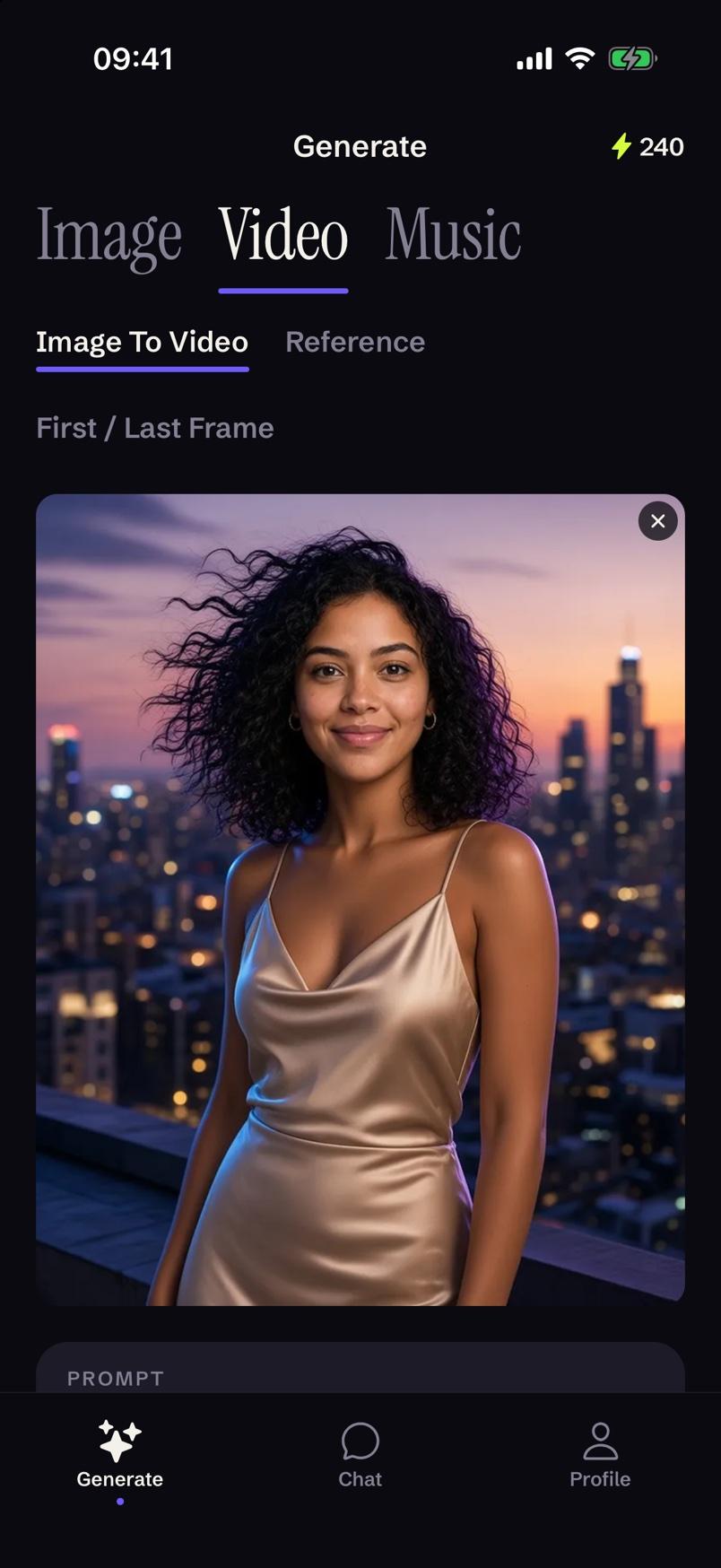
Animate one photo, guide the clip with up to three reference images, or set the first and last frame and let AI fill in the motion between them.
Step 03
Choose model, length and resolution
Pick a model, a clip length, 9:16 or 16:9, and 720p, 1080p or 4K. You get a notification when your video is ready.
What you can make.
TikToks and Reels
Vertical 9:16 clips sized for TikTok, Instagram Reels and YouTube Shorts.
Moving portraits
Turn a portrait into a clip where the subject smiles, turns or dances.
Product videos
Show a product in motion for ads and shop pages, without a studio.
Scene transitions
Set a first and last frame and get a smooth transition between them.
Animated series
Bring characters and worlds to life, one scene at a time.
B-roll
Atmospheric shots of places, weather and nature to cut into your edits.
The models.
Pick the model for each generation. The line-up changes as better models are released.
Veo 3.1 Fast
Google DeepMind’s latest model: fast, high-quality video with audio. 4, 6 or 8 second clips.
Kling 3 Turbo
Fast, cinematic motion with multi-shot support. 6 or 10 second clips.
Grok Imagine 1.5
xAI’s expressive video model with native audio. 6 or 10 second clips.
Kling 2.5 Turbo
Fluid motion and strong prompt precision at speed. 5 or 10 second clips.
Questions, answered.
Can I make a video from text only?
Yes. A prompt is all you need. Adding photos is optional and gives you more control over the people, places and style in the clip.
How long are the videos?
Clips are 4 to 10 seconds long. Veo 3.1 Fast makes 4, 6 or 8 second clips, Kling 3 Turbo and Grok Imagine 1.5 make 6 or 10 second clips, and Kling 2.5 Turbo makes 5 or 10 second clips.
Do the videos have sound?
Veo 3.1 Fast and Grok Imagine 1.5 generate video with sound.
How many credits does a video cost?
Video is charged per second, at 10 to 20 credits a second depending on the model, so a 6-second clip costs 60 to 120 credits. The exact cost is shown before you generate.
What resolutions and aspect ratios can I use?
720p, 1080p or 4K, in vertical 9:16 or widescreen 16:9.
Explore more.
Get the app
What are we making today?
Download ContentWave free, then subscribe to ContentWave Pro for the credits to generate.